Lucky Draw Tool

Support
To report any issue or for any technical question, use this form.
How to use Lucky Draw Tool
1. Select the type of draw you want: Letters, numbers, flip or cutom.

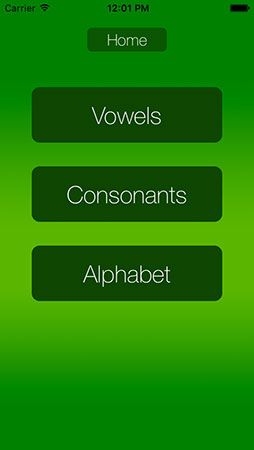
2. For letters, you can choose vowels, consonants or the complete alphabet
3. For numbers, just set the maximum number with the picker. The maximum would be 9999 and you can choose to exclude number 0 from the draw (eg. for Lotto, numbers go from 1 to 49). The Lucky Draw Tool will draw random numbers between 1 and your maximum number. The "Draw" button will only appear if there are a minimum of 2 numbers.

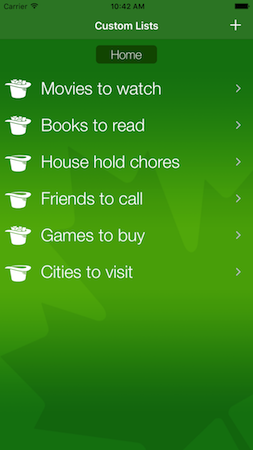
4. For custom elements, press "+" to add a new list and clic on the list name to access the elements list. Input whatever you need to draw (names, movies, task, colors, ...). You can delete any element with wipe gesture on the piece of paper. All your custom elements remain in your device memory as long as you don't "Clear All" or uninstall the app.

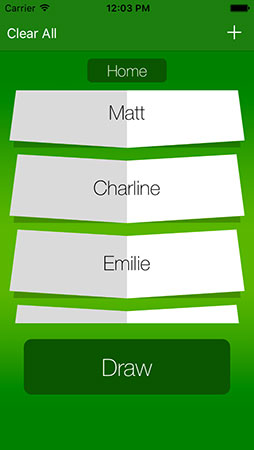
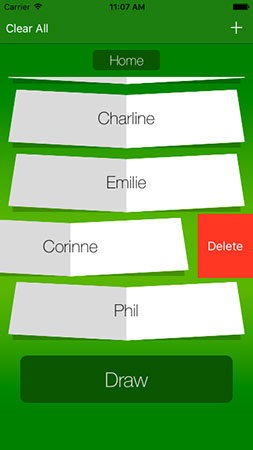
5. When you click "Draw" all the elements will be sent in the hat (the letters, numbers or your custom elements). Tap on the hat to draw a paper that will be automatically displayed.

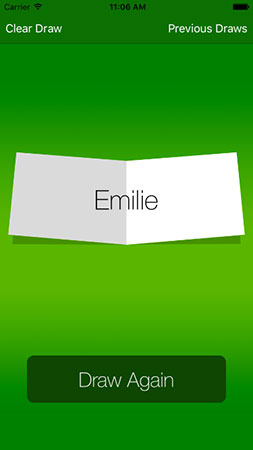
6. After several draws, by clicking "Previous Draws" you can see all the papers previosly drawn. By clicking "Clear Draw", everything will be cleared and you will be sent to the home view all your draw will be reset.

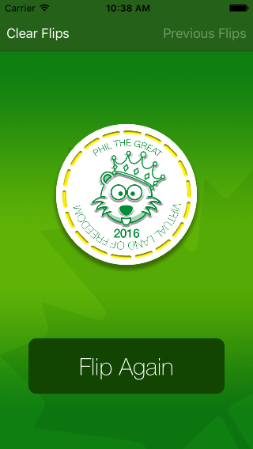
7. To flip coin select 'Flip' on main menu. Tap on the hand. Heads or tails will be displayed. You can flip as many time as you want. You can access the previous flips just by a clic on 'Previous Flips'.